
Top 5 Trading Robots for MetaTrader 5 Every Trader Should Know
Automated trading is no longer a niche. Many traders now use trading robots for MetaTrader 5 (MT5) to cut emotions, save time, and test strategies with precision. These robots - also called Expert Advisors (EAs) - can watch markets 24/7, place trades, and manage exits based on rules.
But with thousands of options in the MetaTrader Market and across forums, how do you know which ones are worth trying? If you trade on brokers like Dominion Options, running MetaTrader 5 with low spreads can make these robots perform even better. To save you time, here are the top 5 trading robots for MetaTrader 5 every trader should know.
We’ll also cover the difference between paid and free trading robots for MetaTrader 5, and explain how to set them up correctly.
1. MQL5 Wizard Robots – Build Your Own Without Coding
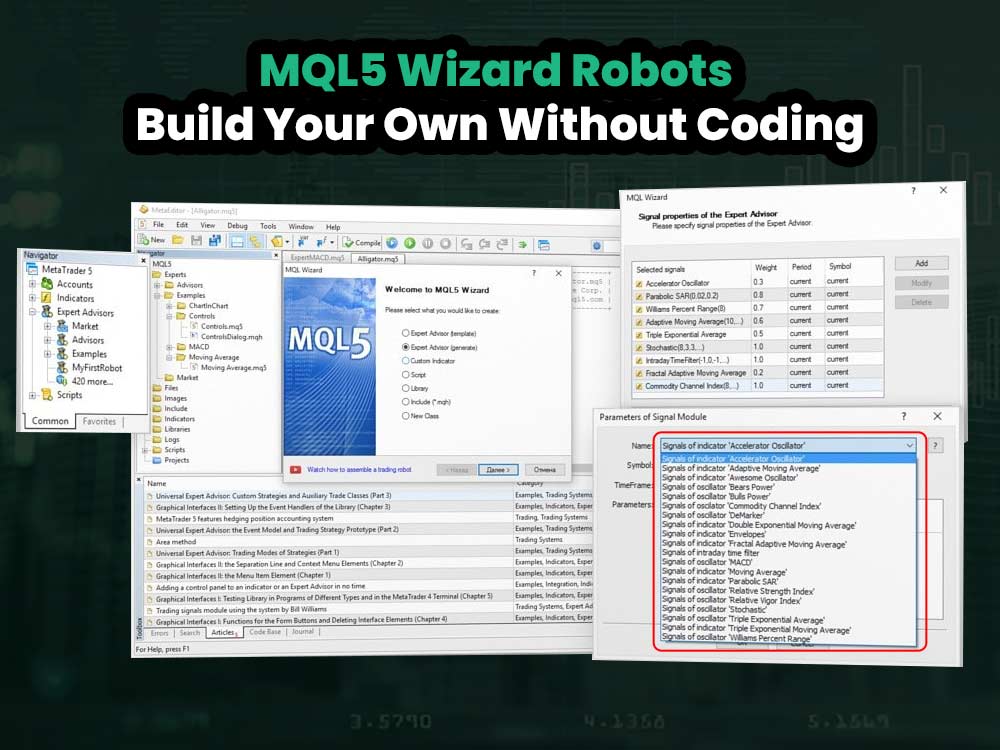
MQL5 Wizard Robots – Build Your Own Without Coding
One of the best trading robots for MetaTrader 5 isn’t even a single bot. It’s a tool that lets you build your own. The MQL5 Wizard, built into MetaEditor, generates full robots without requiring programming.
Here’s how MQL5 Wizard works:
- how MQL5 Wizard works:
- Pick a trading symbol like EUR/USD.
- Choose a timeframe such as H4.
- Add signals like moving averages or MACD.
- Define stop-loss and take-profit levels.
The Wizard creates a working EA that you can test in MT5’s Strategy Tester. Many beginners trading on MT5 also use it to experiment with free trading robots for MetaTrader 5 before buying premium ones.
Why it’s one of the best trading robots for MetaTrader 5
- No coding skills needed.
- Combines up to 64 signals.
- Helps traders learn how robots function.
What to keep in mind
The quality of your robot depends on the rules you set. If your logic is weak, the robot will not perform well. Always test your setup in a demo account before risking money. This step also helps you understand how signals and money management interact inside the platform. If you are unsure, revisit the basics of what is MetaTrader 5 to see how the system handles automated trading.
2. Scalping Robots – Fast Trades on Small Moves
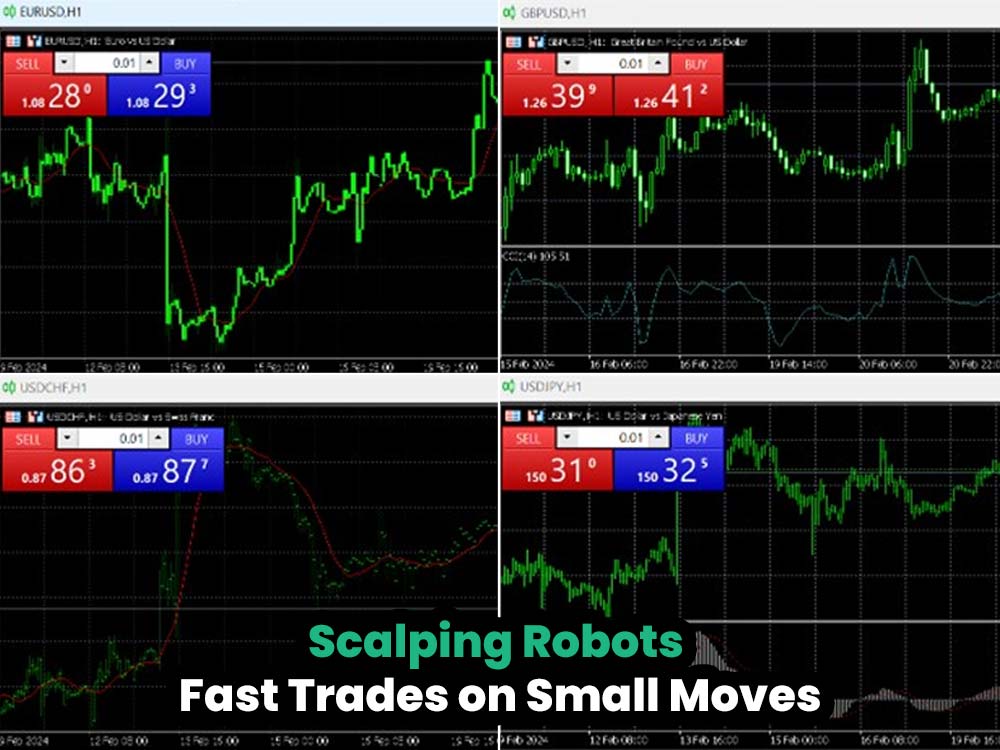
Scalping Robots – Fast Trades on Small Moves
Scalping means entering and exiting trades quickly, often within minutes. Doing this manually is stressful. That’s why many traders turn to trading robots for MetaTrader 5 that focus on scalping.
These bots look for short bursts of momentum on pairs like EUR/USD or USD/JPY. They aim for dozens of small wins daily using:
- Short moving averages
- Breakout patterns
- Tight stop-losses
- Fixed take-profits
Why they are among the best trading robots for MetaTrader 5
- Free your time while capturing small moves.
- Perfect for volatile sessions.
What to keep in mind
Scalping robots need low spreads and fast execution. Most traders run them on a VPS. Without that setup, results may fail. It also helps to study different scalping strategies so you understand when these robots work best. This knowledge lets you pick the right market sessions and pairs for smoother results.
3. Grid and Martingale Robots – Popular but Risky
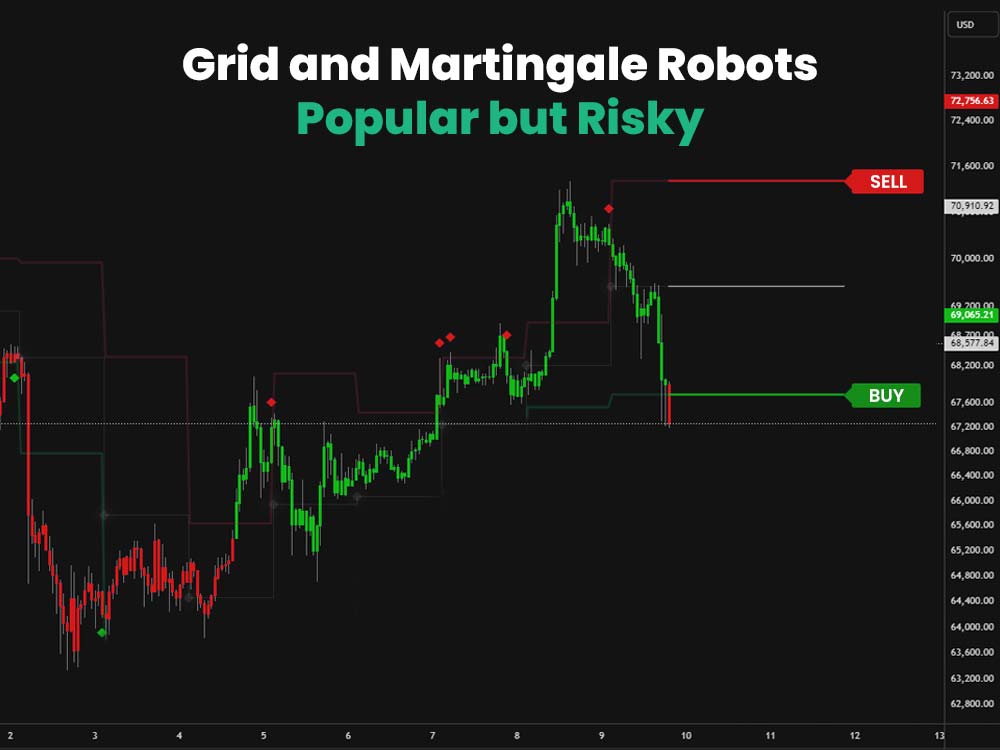
Grid and Martingale Robots – Popular but Risky
Some of the most downloaded trading robots for MetaTrader 5 use grid or martingale strategies. These can be very profitable - but also dangerous.
A grid robot places buy and sell orders at intervals above and below price. It makes money from back-and-forth moves. A martingale robot doubles position size after losses, aiming for one win to cover losses.
Why traders call them the best trading robots for MetaTrader 5
- Can generate steady profits in sideways markets.
- Offer rapid growth when markets bounce.
What to keep in mind
They carry huge risk. A long one-direction move can wipe an account. If you want to test them, start with free trading robots for MetaTrader 5 or a small demo account. Using a MetaTrader 5 simulator can also help you practice without risking real funds and see how these robots behave under different market moves.
4. Trend-Following Robots – Ride Strong Market Moves
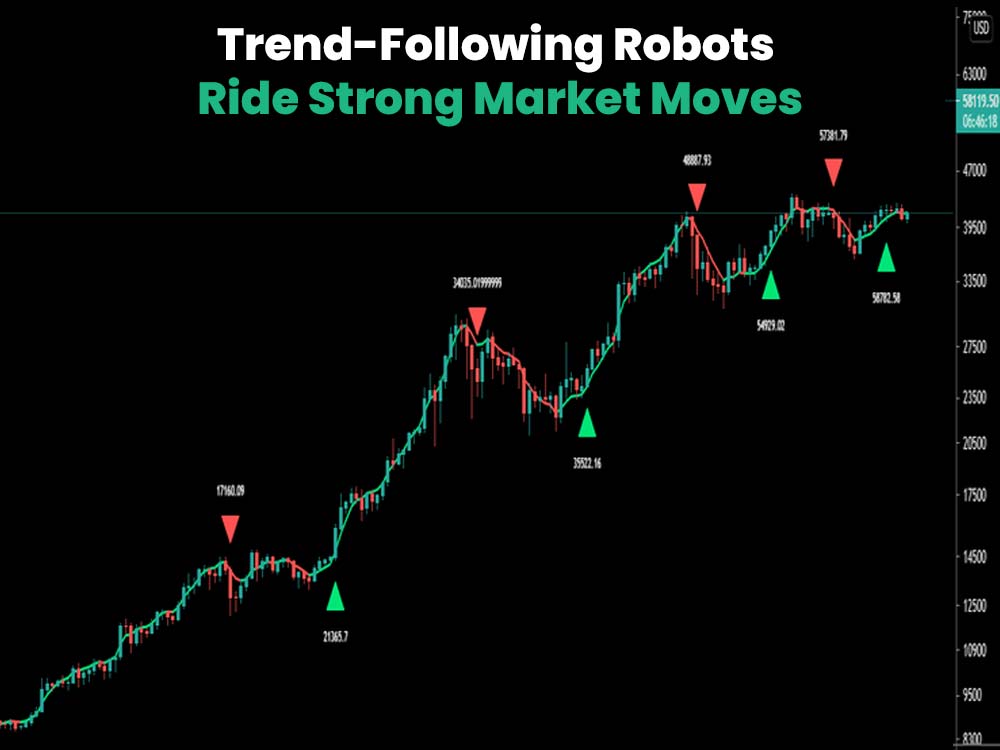
Trend-Following Robots – Ride Strong Market Moves
Trends remain the backbone of many systems. Trend-following trading robots for MetaTrader 5 aim to capture long runs with MetaTrader 5 indicators like moving averages, ADX, or MACD.
For example, a robot may buy when the 50-day average crosses above the 200-day average. Others add filters like RSI to avoid false entries.
Why these are some of the best trading robots for MetaTrader 5
- Simple to understand and apply.
- Work across forex, indices, and commodities.
- Fit natural market cycles.
What to keep in mind
They perform poorly in sideways ranges. Expect losing streaks during choppy conditions. To manage this, use patience and clear risk rules. Testing these robots with different MT5 features such as advanced backtesting can also help you understand how they behave before committing real money.
5. AI-Enhanced Robots – Build with ChatGPT

AI-Enhanced Robots – Build with ChatGPT
The newest trend is using AI to generate trading robots for MetaTrader 5. With tools like ChatGPT, you can describe your idea in plain English and get the MQL5 code written for you.
Example prompt:
"Create an Expert Advisor for MetaTrader 5 that buys when RSI crosses below 30 and sells when it crosses above 70. Add a 50-pip stop-loss and 100-pip take-profit."
AI then produces code you can compile in MetaEditor. After testing, you can run it live.
Why traders consider them among the best trading robots for MetaTrader 5
- Lets you build custom bots fast.
- Perfect for those with strategy ideas but no coding skills.
- Flexible - just refine prompts to adjust logic.
What to keep in mind
AI isn’t flawless. Code may need fixes. Always debug and backtest before using real funds.
Installing Trading Robots on MT5
Knowing which bots are useful is step one. Setting them up right is step two.
- Download the EA file (.ex5 or .mq5).
- Place it in File → Open Data Folder → MQL5 → Experts.
- Restart MT5.
- Drag it onto a chart.
- Enable Auto Trading.
- Adjust settings like lot size or indicator periods.
- Test on a demo first.
FP Markets also suggests checking MT5’s Tools → Options → Expert Advisors to make sure algorithmic trading is allowed. A stable connection or VPS is key if you plan to run robots nonstop.
Free Trading Robots for MetaTrader 5
Not everyone wants to spend money right away. Luckily, there are plenty of free trading robots for MetaTrader 5 available:
- In the MQL5 Code Base inside MT5.
- On community forums.
- Through developers offering trial versions in the MetaTrader Market.
These free tools are perfect for testing strategies, practicing installs, and learning how robots behave. Just remember: free doesn’t always mean profitable. Test carefully before trusting them with live funds.
Backtesting and Optimization
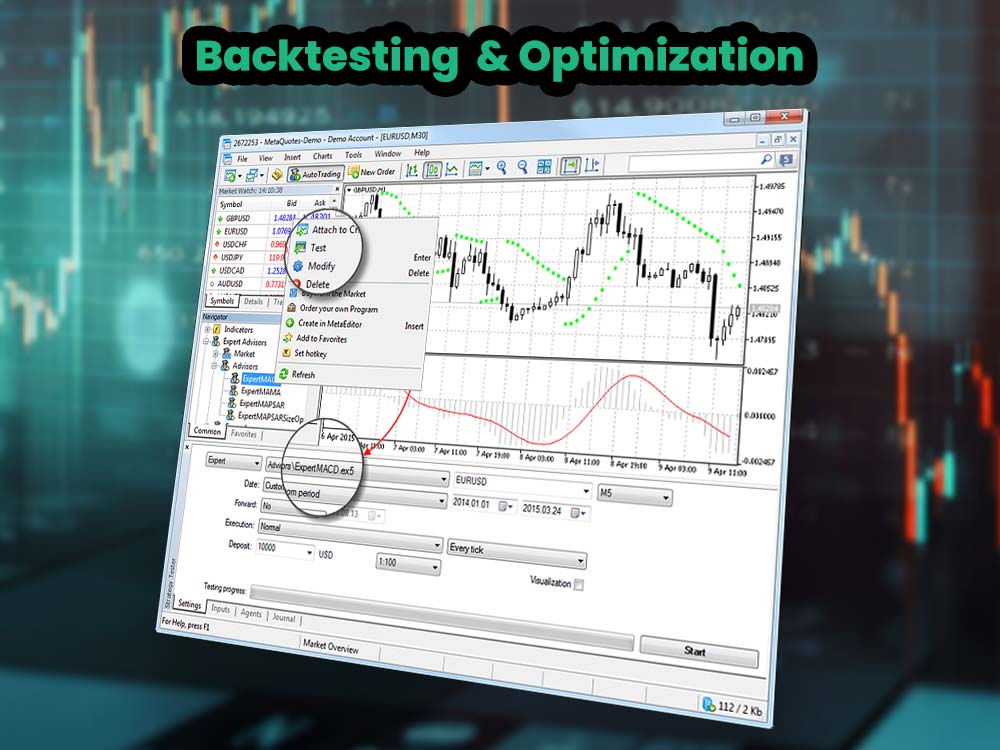
Backtesting and Optimization
MetaTrader 5’s Strategy Tester makes it easy to check how a robot performs. You can:
- Backtest on historical data.
- Run visual tests to see trades on charts.
- Optimize settings using genetic algorithms.
- Use forward testing to avoid overfitting.
Testing is not optional - it’s essential. Even the best trading robots for MetaTrader 5 can fail if used with poor settings. Use backtesting on MT5 to see how robots behave across different market periods and adjust settings until you find a stable setup. Running several tests also helps you check how they respond to news events, different timeframes, and various trade sizes so you know the limits of each system.
Risk Management Matters
Robots are tools, not magic. To stay safe:
- Use stop-losses even if the robot doesn’t.
- Risk only a small part of your balance per trade.
- Avoid running too many robots on one account.
- Keep a reliable internet setup or VPS.
Risk management in trading means knowing how much you can lose before you even place a trade. Decide your maximum loss per trade, set stop-loss levels, and stick to them. This discipline helps you stay in the game when robots hit a losing streak.
Final Thoughts
The market is full of trading robots for MetaTrader 5, but only a few stand out as worth knowing:
- MQL5 Wizard robots for no-code strategies.
- Scalping robots for quick trades.
- Grid and martingale robots for risky but popular methods.
- Trend-following robots for steady market moves.
- AI-powered robots for custom builds.
If you’re new, start with free trading robots for MetaTrader 5 or build your own in the MQL5 Wizard. Once you gain confidence, you can explore paid bots or AI-generated strategies.
The key isn’t just finding the best trading robots for MetaTrader 5 - it’s how you use them. Smart testing, patient optimization, and strict risk control make the difference. Trading on best brokers like Dominion Options with tight pips and low spreads can also improve how these robots perform. Treat robots as assistants, not shortcuts, and they can add real value to your trading.