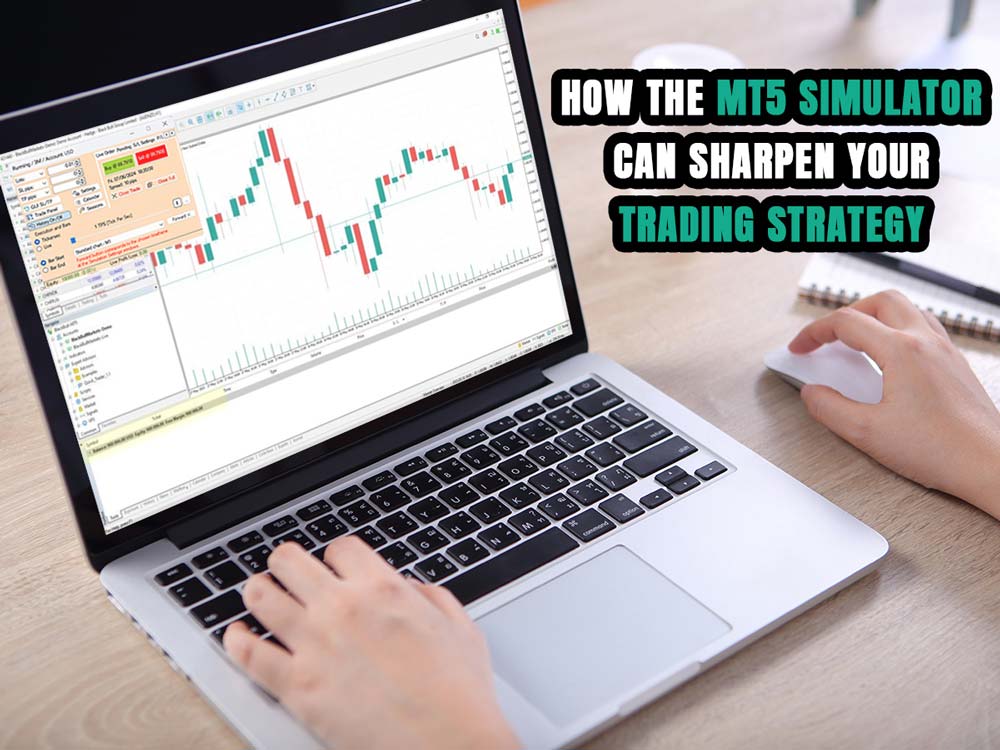
How the MT5 Simulator Can Sharpen Your Trading Strategy
Testing strategies without risking money is one of the most effective ways to improve as a trader. The MT5 Simulator—through tools like MetaTrader 5's built-in Strategy Tester and other third-party options—makes it possible to do just that.
MT5 Simulator tools let traders use historical price data to test how their strategies would perform in real market conditions. You can practice your setups, improve how you manage trades, and fine-tune your approach without risking money.
Platforms like Dominion Options work well with MT5 Simulator setups, so you can move from practice to live trading with the same strategy and tools.
Being able to take a strategy you tested in the MT5 simulator and apply it in a live account with Dominion Options means you're not starting from scratch. You already know how it behaves, and you’re using it in an environment with tight spreads and high leverage. That makes your transition smoother and your execution more focused.
Here’s how each MT5 simulator tool plays a role in sharpening your trading edge.
1. Practice Without Risk Using the MT5 Simulator
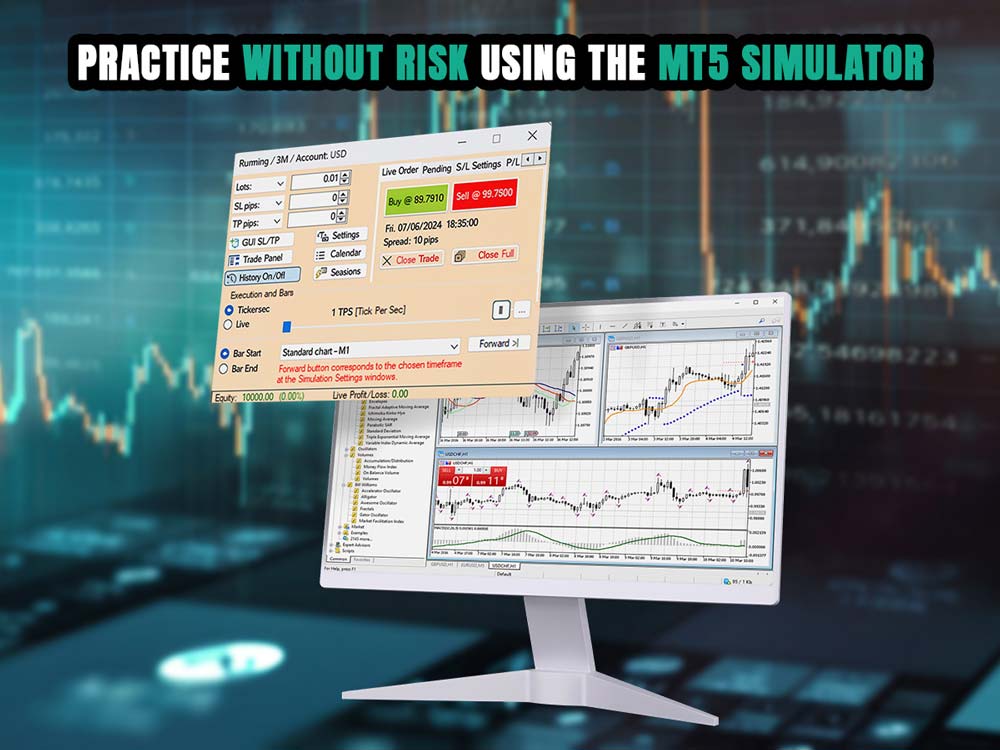
mt5 simulator
The MT5 simulator provides an essential training ground for traders. most immediate benefit of an MT5 simulator is the ability to practice in real market environments without financial risk.
MT5 simulator platforms like many MetaTrader simulators provide tick-by-tick historical data, allowing you to trade as if the market were live. However, if you're just getting started, you may want to check out our guide on how to use MetaTrader 5 for beginners to build a solid foundation before diving in.
Practicing without the emotional stress of losing money builds the foundation for disciplined trading. It helps newer traders understand how spreads, slippage, commissions, and news events can affect outcomes, all within a sandboxed MT5 simulator environment.
Benefits of Using the MT5 Simulator
- Practice Safely: Sharpen skills without putting real money at risk.
- Test Strategies: Adjust and improve setups with real historical data.
- Real-World Conditions: Trade with simulated spreads, slippage, and execution.
- Train Faster: Jump to key moments in history and fast-forward through slow periods.
- Master Risk Control: Use tools for sizing trades and managing risk.
- Review Performance: Export results and measure what works and what doesn’t.
- Adapt Strategically: See how plans hold up under different market moods.
- Boost Confidence: Repetition helps build trust in your process.
2. Improve Trade Execution with MetaTrader Simulator
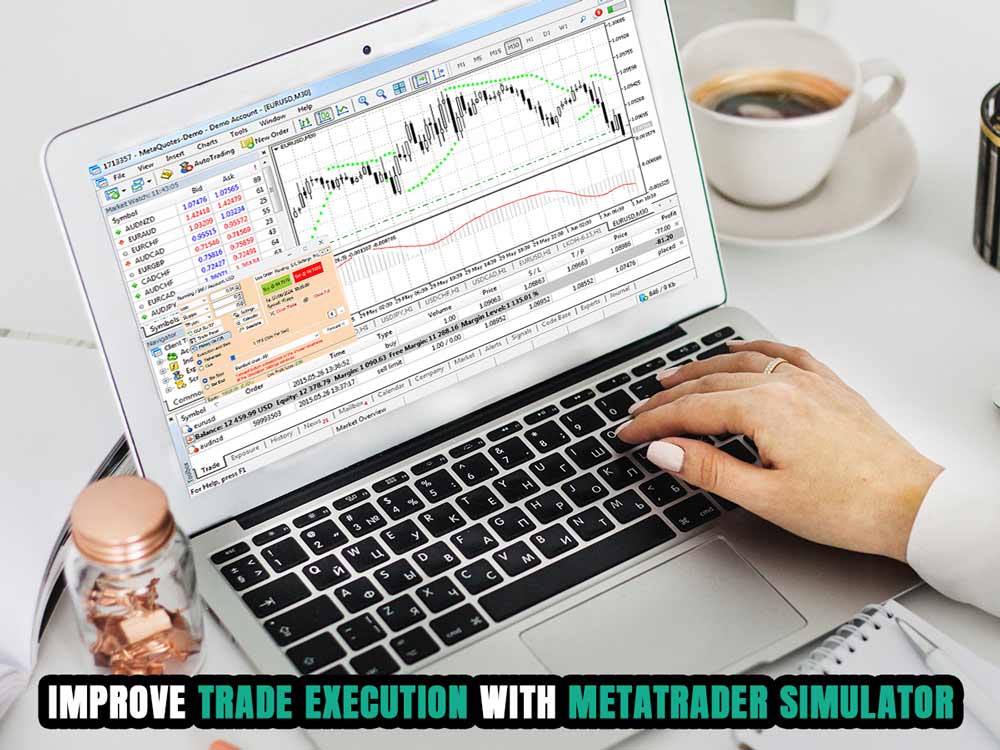
mt5 simulator with trade execution
Trade execution is a skill that improves with repetition. MT5 simulator tools allow manual trading with visual order placements, stop-losses, take-profits, trailing stops, and one-cancels-other (OCO) setups. GUI-based trading features provide drag-and-drop tools for trade management.
You can also dive deeper into how to modify take profit on MT5 to lock in gains more smartly and avoid giving back profits.
Practicing execution with hotkeys, precision sizing, and interactive charting on an MT5 simulator leads to faster decision-making and better muscle memory, which is vital in live environments.
How the MT5 Simulator Enhances Trade Execution
- Order Practice: Place different types of orders and see how they behave.
- Risk Setup: Set and adjust stop-loss and take-profit levels easily.
- Hotkey Use: Speed things up with keyboard shortcuts.
- Visual Trading: Drag and drop orders directly on the chart.
- Repeat Scenarios: Replay price action to build execution habits.
3. Backtest and Optimize Strategies
MetaTrader 5’s built-in Strategy Tester is especially robust for automated trading. It supports multiple backtesting modes such as Every Tick, 1-Minute OHLC, and Open Prices Only. The MT5 simulator runs simulations using historical data, evaluating Expert Advisors (EAs) under different conditions.
More importantly, the MT5 simulator allows for parameter optimization using genetic algorithms. Traders can run thousands of strategy variations to identify optimal settings. It also supports forward testing by splitting datasets, minimizing overfitting.
For manual traders, the MT5 simulator is a hands-on tool for testing strategies that rely on discretion rather than automation. It lets traders go back to specific periods, analyze price action, and place simulated trades based on chart setups.
You can test how your strategy responds to trend shifts, consolidation phases, and reaction to key levels like support and resistance. It also helps you evaluate the reliability of indicators under different conditions.
This process builds confidence in your system and shows you how it performs without risking capital. MT5 makes this process quicker and more detailed compared to backtesting on cTrader, thanks to its multi-threaded backtesting and built-in optimization tools.
That’s where the cTrader vs MT5 comparison becomes clear—while cTrader has its strengths, MT5 stands out for serious strategy development with its faster processing, broader testing options, and more advanced tools.
4. Fine-Tune Risk Management
MetaTrader 5 simulator tools often include built-in risk-based position sizing. Traders can input a desired risk percentage per trade, and the MT5 simulator system will calculate the appropriate lot size based on the stop-loss level.
This helps you stick to a consistent risk approach by basing position size on your stop-loss and risk tolerance, not guesswork.
You can also track key stats like drawdown, equity curve changes, and win/loss ratios to see how your risk settings are really impacting your results. For example, you might find that risking 2% per trade leads to smoother growth, while 5% introduces big equity swings.
This kind of data helps you find the right balance between risk and reward based on how your strategy actually performs.
If you trade with Dominion Options, using the MT5 Simulator helps you prepare more accurately. The tight spreads and high leverage mean what you test in simulation often matches how trades will play out live.
If you’re scalping on mt5 or using tight stop losses, you won’t need to guess whether your setup will hold up—it already has in testing. That makes it easier to follow your plan and manage risk when real money’s on the line.
That makes it easier to follow your plan and manage risk when real money’s on the line—especially if you’ve seen it play out dozens of times in a forex simulator. For a deeper look at how to get started, check out our blog post on using a forex simulator effectively.
5. Adapt to Market Conditions
Markets change all the time. A strategy that works during a clean uptrend might fall apart when price gets stuck in a range. With the MT5 Simulator, you can scroll through different time periods and test how your setups perform in all kinds of conditions.
You might find that your trend-following strategy works well on EUR/USD in 2020, but struggles in mid-2022 when the pair was ranging.
The simulator also includes historical news data, so you can see how your trades react to events like NFP, CPI releases, or rate decisions.
For example, you may notice that entering trades right before a big news drop adds unnecessary risk, or that certain strategies work better once the initial volatility settles.
These insights help you adjust your timing, stop placement, and trade selection based on what actually happens during those moments.
6. Build and Analyze a Trading Journal
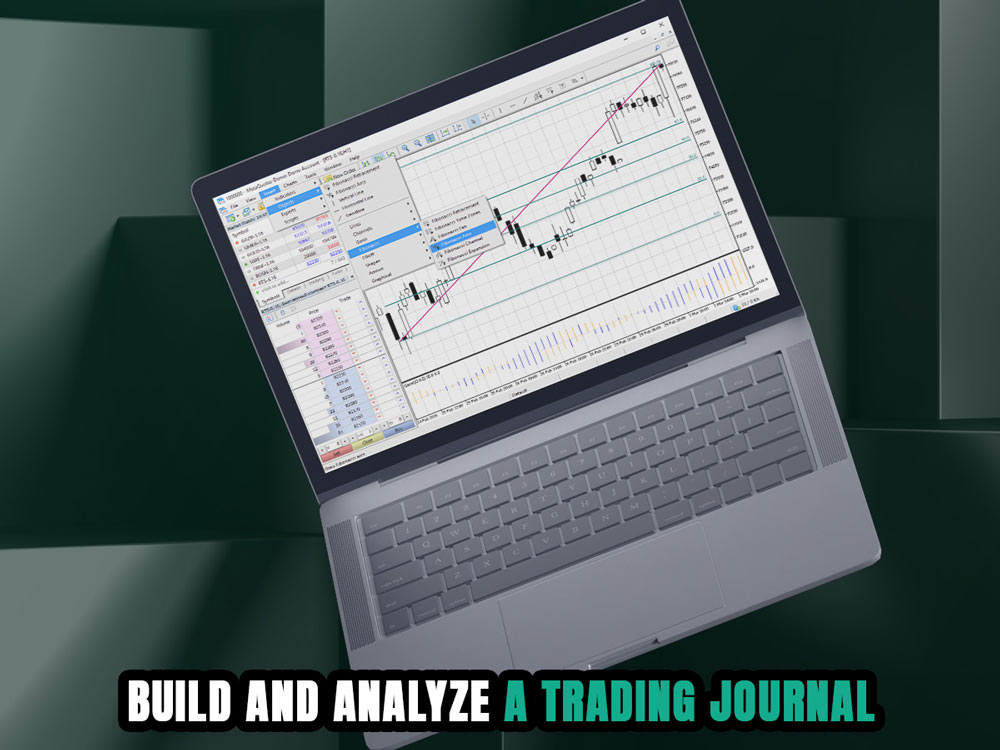
a trading journal
Consistent journaling and analysis are central to strategy development. Most MT5 simulator platforms, allow you to export trading results to Excel or HTML. You can log each trade, annotate reasons for entries and exits, and analyze performance metrics like:
- Profit factor
- Average win/loss
- Maximum drawdown
- Trade duration
This helps you uncover patterns in your behavior or strategy performance that can otherwise go unnoticed.
7. Avoid Psychological Pitfalls
MT5 simulator tools help traders combat fear, greed, hesitation, and overconfidence. By developing muscle memory through repetitive trade scenarios, you gain emotional resilience.
For example, repeatedly seeing a trailing stop lock in profits helps internalize the value of letting winners run. Practicing OCO setups helps you get used to placing trades with clear exit plans. You learn to manage two sides of a trade—like a breakout and a breakdown—without hesitation. This makes your decision-making faster and more structured in live conditions.
The MT5 Simulator removes the stress that comes with real money on the line. This means you can focus completely on getting your execution right—entering and exiting at the right moments, placing stops where they make sense, and following your plan without hesitation. It’s a space where you can build habits, not bad decisions driven by emotion. However, if you're unfamiliar with the platform itself, it helps to first understand what is MT5.
8. Learn Timing and Session Behavior
learning timing and session behavior on screen
MT5 simulator platforms let you test how your strategy performs during different trading sessions like London, New York, or Tokyo. You can replay specific hours and watch how price reacts to market opens, news releases, or thin liquidity periods.
This helps you spot patterns—like false breakouts during the Asian session or high volatility during overlapping hours—and adjust your timing to trade only when your setup has the best chance of success.
The more you test your strategy across different times of day, the better you understand when it's actually worth trading. Some setups work best during active sessions like London-New York overlap, while others fall apart in low-volume hours. By replaying these periods in the MT5 Simulator, you figure out when your system gives consistent results—and when to stay out.
10. Share and Revisit Simulations
Saving and revisiting simulations makes it easier to review what worked and what didn’t. You can pick up right where you left off, share your setups with others, and get feedback based on actual trades. That kind of review process helps you spot gaps and improve your strategy over time.
The MT5 simulator helps you build real trading skills. You can test setups, make changes, and get used to managing trades without risking money. Whether you rely on price action, indicators, or algorithms, it gives you a place to work out the details and see what actually works. However, understanding the full range of available tools can make a big difference—explore the various MT5 indicators.
Using tools like the MetaTrader 5 built-in tester, you can build a process that fits how you trade. It’s a way to get better without the pressure of live markets, so you're ready when it counts.
Moreover, this MT5 Simulator environment can be successfully applied to live trading on Dominion Options, which offers tight spreads and high leverage—ideal conditions for executing and refining strategies with precision.