Getting Started with cTrader: A Beginner-Friendly Walkthrough
Choosing the right trading platform can shape your success more than most traders realize. While platforms like MetaTrader 4 and MetaTrader 5 have long been the standard for a reason, newer options are carving out their own space in the market. One of the most notable is cTrader. Its refined layout, flexible tools, and modern approach have made it an increasingly popular choice among traders who value clarity and efficiency. In this guide, we’ll break down what you need to know to get started with cTrader, while also touching on how it stacks up to more established platforms like MetaTrader 5 (MT5).
What is cTrader?
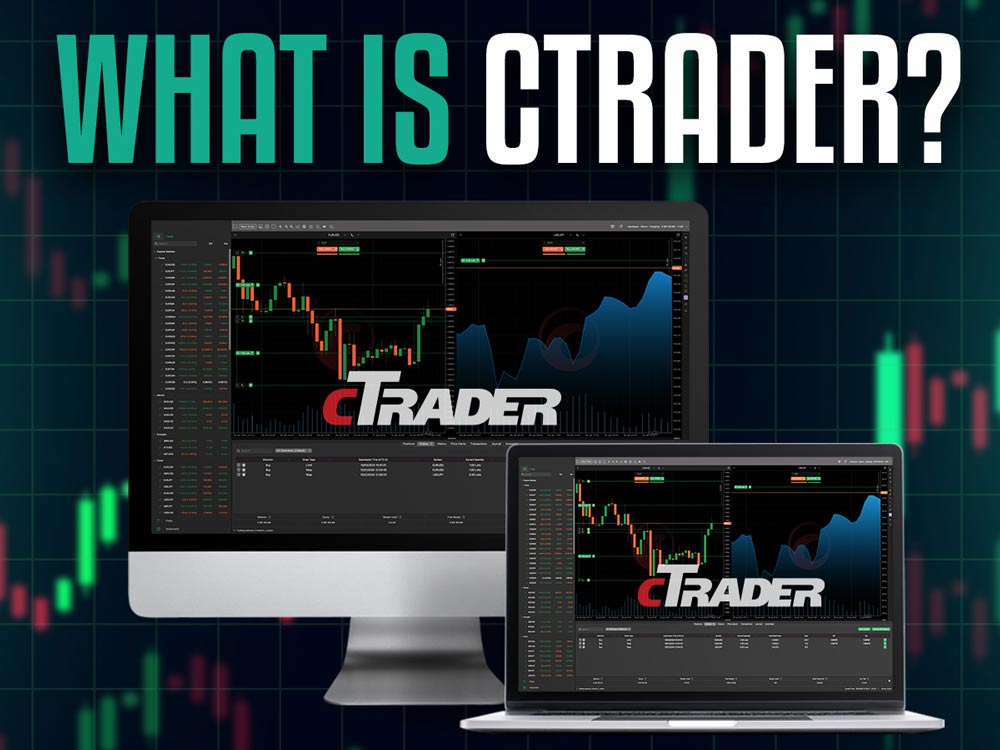
what is ctrader
If you're entering the world of trading—or even if you're simply comparing different trading platforms—cTrader might be one you’ve heard about. Developed by Spotware, it’s a trading platform designed for both beginners and seasoned pros. What sets it apart is its focus on usability. It’s clean, it’s fast, and it doesn’t take long to get comfortable with, which isn’t always the case in trading software.
Unlike older platforms that often feel clunky or outdated, cTrader gives you a more modern experience. The layout is tidy, the tools are where you’d expect them to be, and you get helpful built-in features for everything from charting to risk management. Whether you're into manual trading, algo strategies, or even copying other traders’ moves, it has something to offer.
Let’s say you’re checking charts during lunch on your phone, reviewing a strategy later on your laptop, and placing a trade at night on your desktop. cTrader lets you do all that with a consistent experience. It works well across devices—desktop, web, and mobile—and syncs your settings and data automatically.
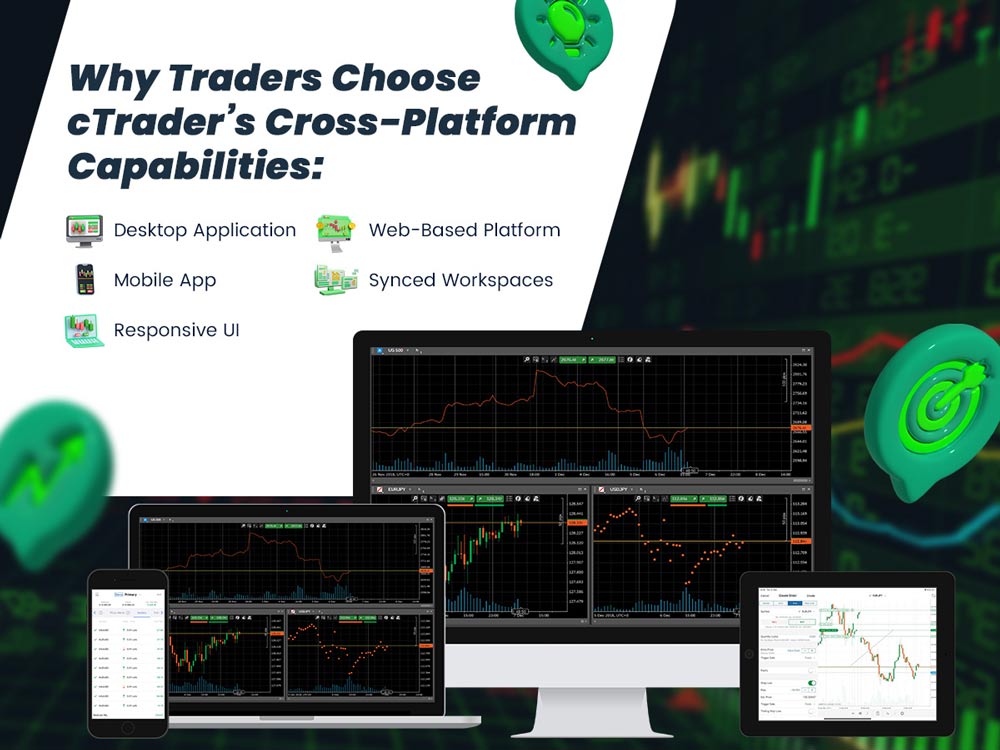
Why Traders Choose cTrader’s Cross-Platform Capabilities:
why Choose cTrader
- Desktop Application – Ideal for in-depth analysis with full charting and order execution tools.
- Web-Based Platform – Access your trading account from any browser, no download required.
- Mobile App – Stay on top of your trades from your phone, whether you're commuting or away from your desk.
- Synced Workspaces – Your layouts and preferences stay with you across all devices.
- Responsive UI – Clean design that adjusts nicely to different screens, so everything remains easy to use.
All in all, if you want a that fits into your day instead of taking it over, cTrader’s design philosophy makes that possible. It’s especially handy for traders who want flexibility and a smooth user experience without sacrificing functionality.
Setting Up Your cTrader Account
Getting started with cTrader is a smooth process:
- Pick a Broker: First, find a broker that supports cTrader. Not all of them do, so double-check their platform options. Go with one that has solid reviews, helpful support, and fair spreads.
- Download the Platform: Once you’ve picked your broker, download cTrader from their site. You’ll usually get options for desktop, web, or mobile—pick what suits you. Follow the setup steps, and you’ll be ready to trade in minutes.
- Login & Configure: Once installed, open the cTrader platform and enter your broker-provided login credentials to access your account. After successfully logging in, take a few moments to explore the default layout. You’ll see areas dedicated to market watchlists, charts, order entry panels, and account information. Begin by customizing your workspace:
- Dashboard Layout: Arrange the layout to suit your trading style—whether you prefer focusing on a single chart or monitoring multiple markets simultaneously. This is particularly useful for traders who keep an eye on correlations or seek to identify opportunities across different asset classes at once. You can set up multiple chart windows side-by-side or stack them as tabs for quick switching, giving you a real-time overview of price movements across forex pairs, commodities, indices, or crypto assets—all within a single, customizable workspace.
- Chart Configuration: Right-click on any chart to select your preferred chart type (candlestick, bar, line) and timeframe. Add technical indicators from the indicator menu and adjust their parameters as needed.
- Watchlists: Create custom watchlists by adding your favorite trading pairs or assets. For example, if you primarily trade EUR/USD, GBP/JPY, and Gold, you can add these instruments to a custom watchlist labeled 'My Focus Pairs' for quick access. This streamlines your workflow and ensures you’re only monitoring the markets that matter most to your strategy. This makes it easier to access them quickly during your trading sessions.
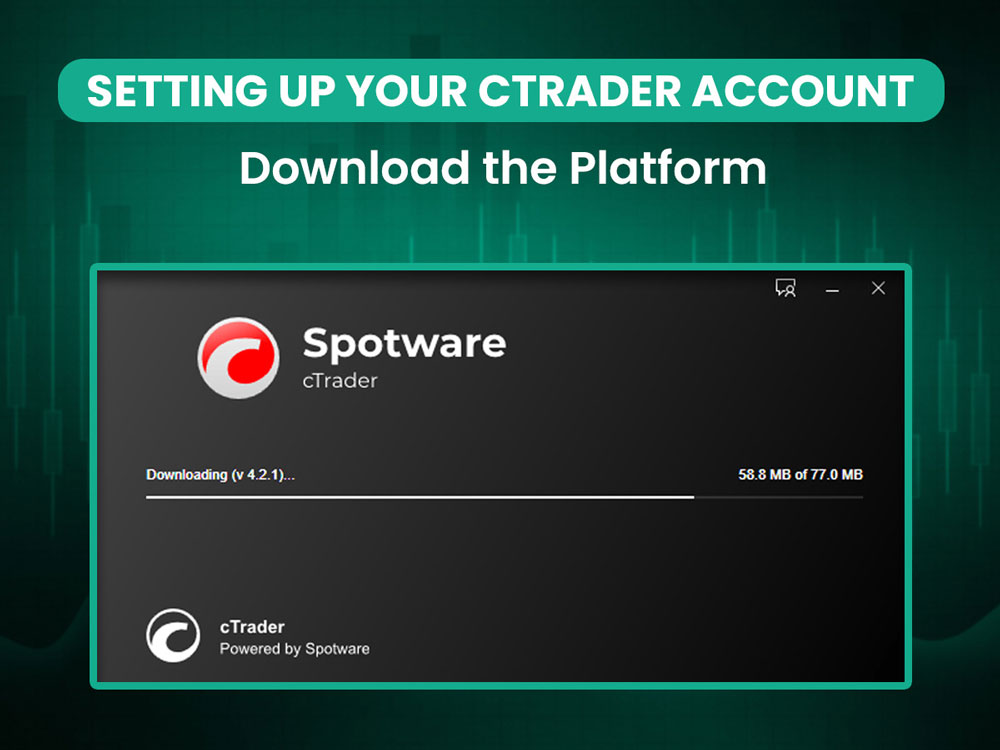
setting up ctrader account
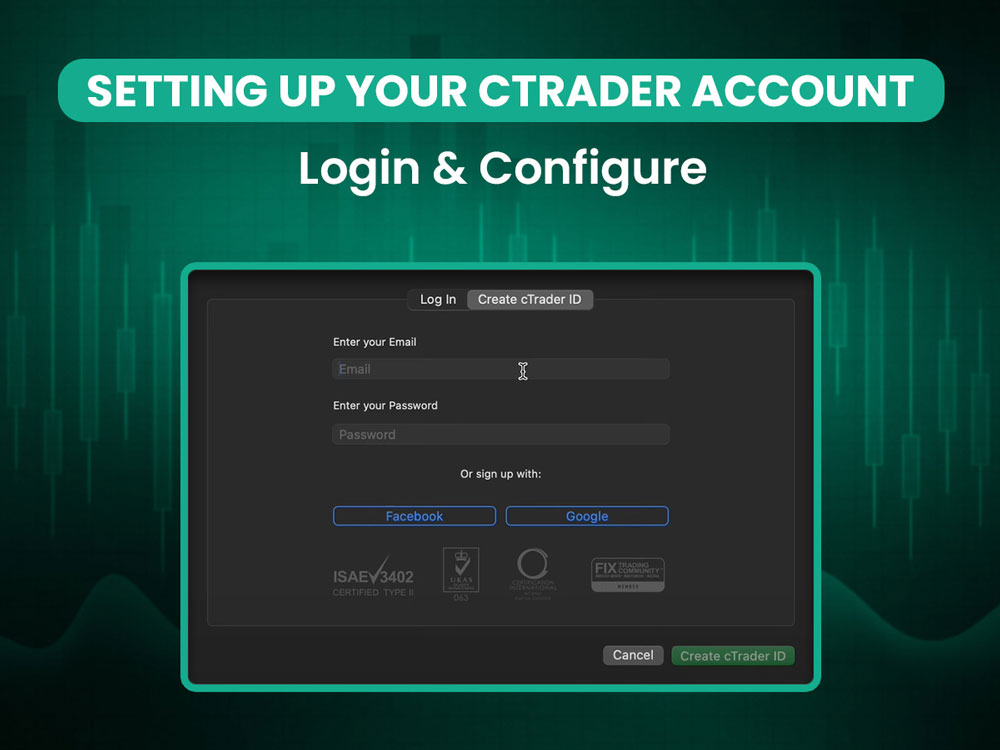
ctrader login
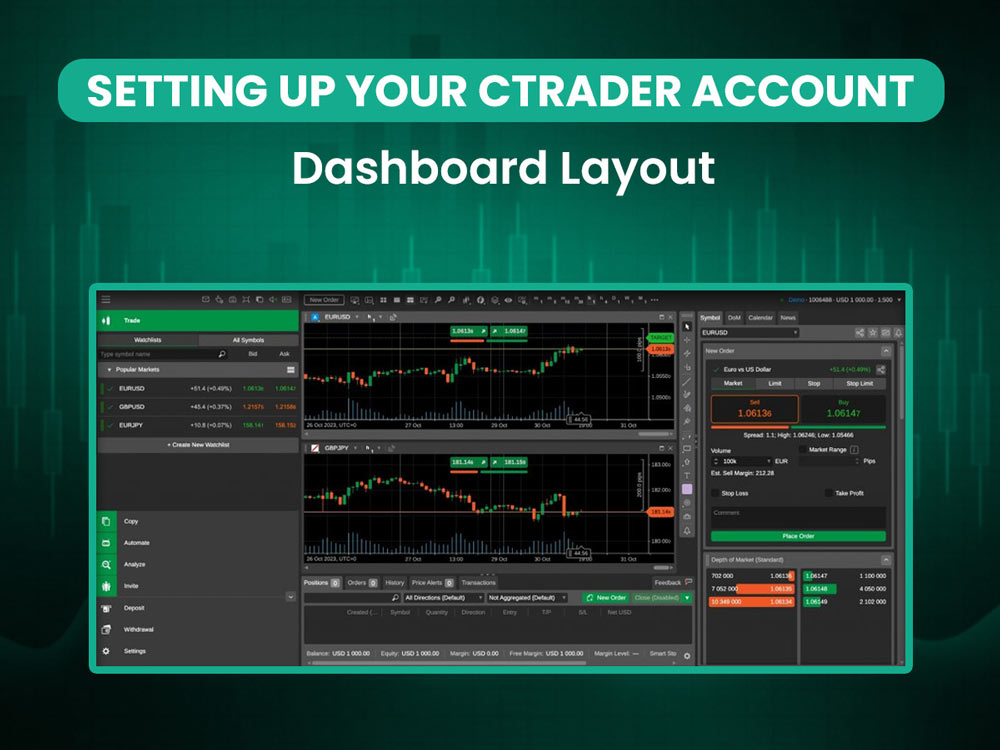
ctrader dashboard layout
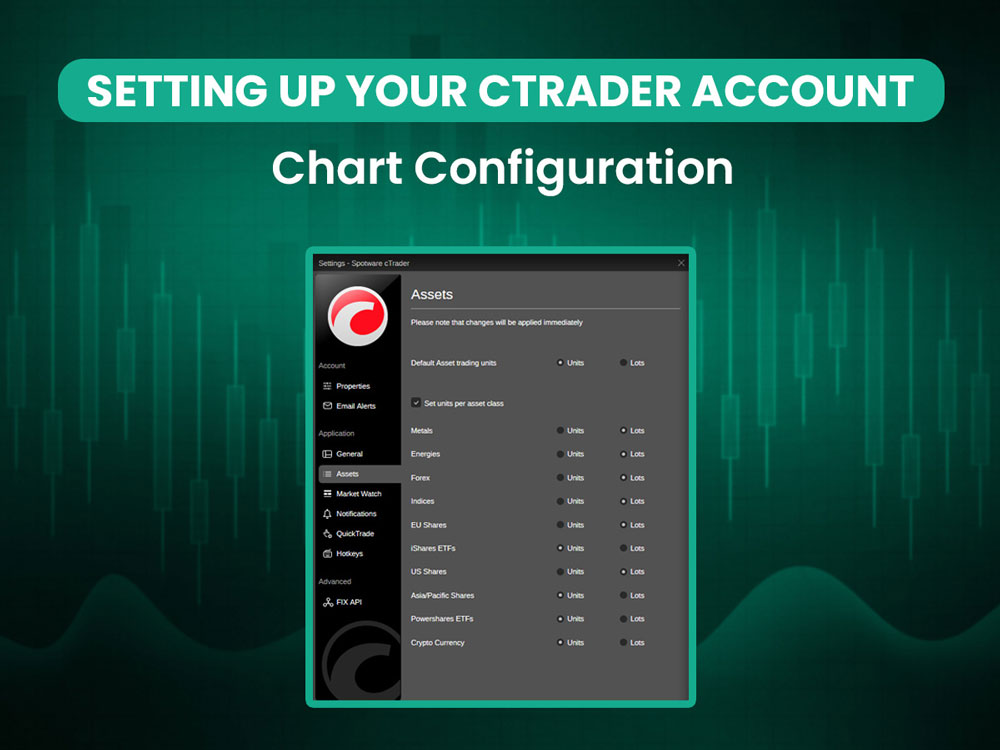
ctrader chart configuration
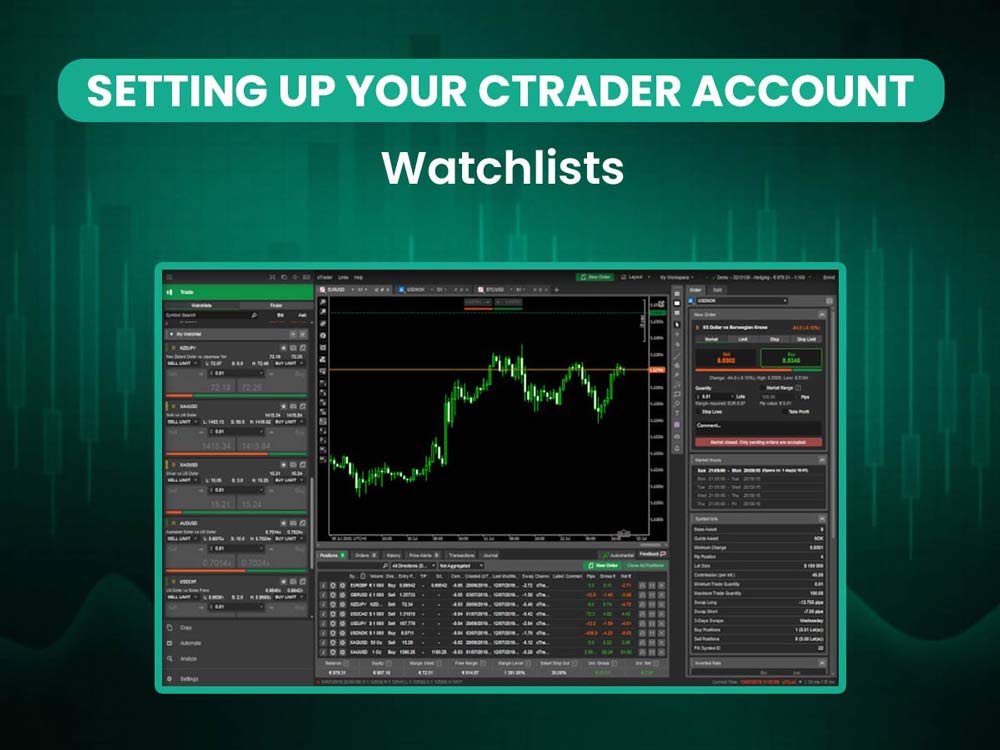
ctrader watchlist
Don’t forget to save your workspace to retain your setup the next time you log in. This step ensures a consistent experience across devices and sessions, keeping your trading environment efficient and tailored to your preferences.
Exploring the Interface
One of cTrader’s strongest points is its modern, customizable interface:
- Charting Tools: Access over 50 built-in indicators, multiple chart types, and detachable layouts.
- Quick Trade Panel: Instantly place market or pending orders with one click.
- Level II Pricing: View full market depth to gauge liquidity and price movement.
- Watchlists & Workspaces: Keep an organized layout of your favorite instruments and trading setups.
Everything about cTrader feels optimized for smooth navigation and visual clarity, especially for beginners who want to avoid being overwhelmed.
Placing Your First Trade
Here’s a step-by-step overview for placing your fist trade on cTrader:
- Choose an Instrument: From your watchlist or the symbol finder.
- Analyze the Chart: Use built-in indicators or draw your own support/resistance zones.
- Open the Order Window: Choose between market, limit, stop, or trailing stop orders.
- Set Your Parameters: Input lot size, stop loss, and take profit levels.
- Execute the Trade: Click to confirm, and your trade will appear in the active positions window. Using a broker like Dominion Options can make the whole process feel more effortless. Their tight spreads, starting from 0.0 pips, combined with fast trade execution, give you a noticeable edge—especially if you're someone who trades often or relies on quick order fills. With strong liquidity and a tech infrastructure that’s built for speed, Dominion Options helps ensure that your trades go through smoothly, without the lag or slippage that can sometimes catch traders off guard.
Dominion Options has since transitioned to MetaTrader 5 (MT5), further enhancing their service offering with the platform’s advanced tools, broader asset coverage, and institutional-grade infrastructure. This switch allows traders to benefit from MT5’s deep liquidity, faster execution, and expansive marketplace—making it a strategic upgrade for serious market participants.
Automation with cTrader Automate
For tech-savvy traders, cTrader Automate is a major draw. Using C# and the .NET framework, traders can build custom indicators and robots (cBots) within an integrated development environment (IDE).
Features include:
- Backtesting with historical data
- Optimization tools
- Debugging support
- Community library of ready-to-use strategies
This can be a game-changer for traders with programming experience.
Copy Trading Made Easy
cTrader Copy allows you to copy strategies from experienced traders while maintaining control over your risk and exposure. You can allocate funds, monitor performance by tracking key metrics like profit/loss, drawdowns, and trade consistency, and exit anytime—making it a beginner-friendly option for those still learning the ropes.
Mobile Trading
The cTrader mobile app mirrors much of the desktop functionality. From order placement and charting to account analytics, you get a seamless experience across devices, meaning you can start analyzing a chart on your desktop in the morning, switch to your mobile during your commute, and later place trades via the web version without missing a beat. Each platform syncs your settings and trading data in real time, ensuring consistency and continuity wherever you go. This is especially helpful for traders who want to stay active on the go.
Security and Stability
Hosted on Microsoft Azure, cTrader ensures robust uptime, fast trade execution, and secure data storage. With no server-side delays and full trade transparency, it appeals to traders seeking reliability and peace of mind.
Where cTrader Falls Short Compared to MT5
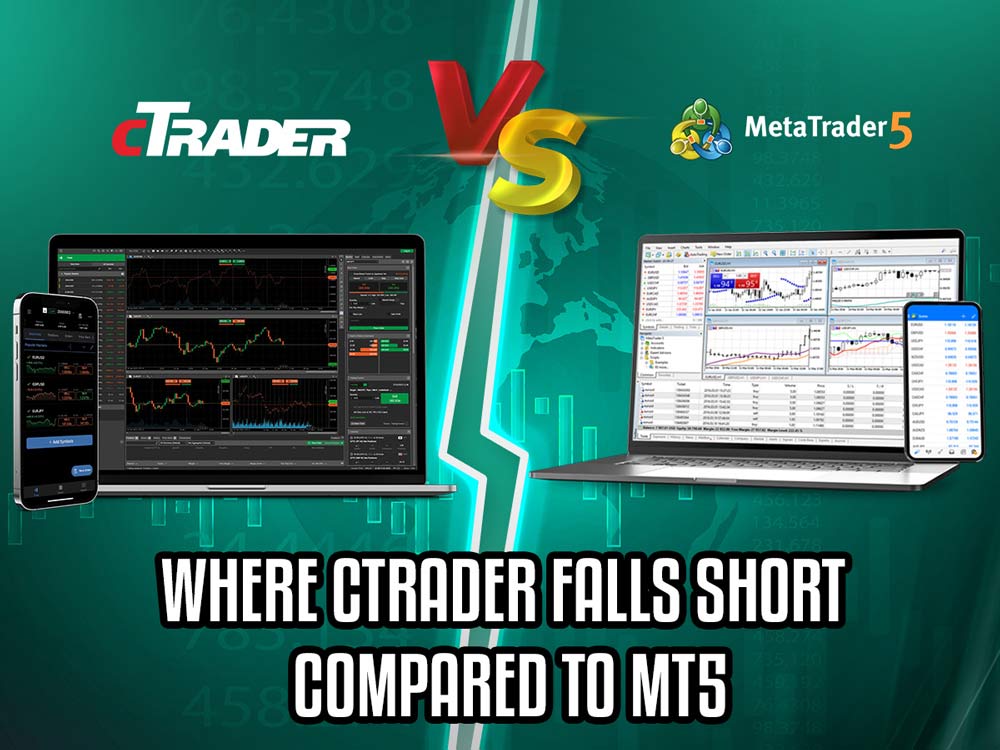
ctrader falls short to mt5
1. Market Coverage & Ecosystem
cTrader has a good selection of assets, but MT5 still wins on variety and broker support. One of MT5’s biggest advantages is its large ecosystem. You get instant access to a wide range of tools, indicators, and expert advisors. It also has one of the busiest marketplaces out there, making it easy to test different strategies or find one that fits your style.
MT5 also supports stock and futures trading by default, while cTrader mainly focuses on forex and CFDs—though that can depend on your broker.
Want a full breakdown? Check out this detailed comparison of cTrader vs MT5.
2. Strategy Testing and Multi-threading
cTrader Automate does the job, but MT5’s strategy tester is more advanced. It uses real tick data and supports multi-threaded backtesting, so results are faster and more accurate. For traders who rely on data to fine-tune their bots, MT5 offers more precision and flexibility—especially when testing across different market conditions.
3. Community Size and Third-Party Support
MT5 benefits from a massive global community and widespread third-party integrations. From brokers and plugin developers to EA marketplaces and forums, support for MetaTrader is virtually unmatched.
cTrader has grown steadily, but its ecosystem remains comparatively niche. For traders who value a wider range of community-driven insights, strategies, and peer support, MT5 is still king.
Is cTrader Right for You?
If you're new to trading or just starting to explore different platforms, you'll likely appreciate how easy cTrader makes it to get up and running. Its clean interface and built-in tools make it approachable for beginners, especially those who want to try copy trading or even dive into algorithmic strategies using C#.
But as your trading goals expand, you might find yourself needing more advanced features. That’s where MT5 starts to shine. It’s better suited for managing complex strategies or multiple accounts, and it has a much broader ecosystem of tools and integrations.
If you’re leaning toward MT5, Dominion Options is definitely worth a look. Since switching to MT5, they've added more advanced features and offer up to 1:500 flexible leverage. That kind of setup gives you more breathing room to scale your trades smartly, without losing control of your risk.
Final Thoughts
Getting into trading can feel like a lot at first, but the right platform helps. cTrader is beginner-friendly, easy to use, and has just the features you need to get started. You can try your first strategy, follow other traders with copy trading, or test out automation when you're ready.
As you grow, though, you might need more tools. That’s where MT5 comes in. It’s great for managing multiple accounts, running advanced backtests, and using a wider range of indicators and expert advisors.
If simplicity and ease of use are at the top of your list, cTrader is a solid starting point. But if you're aiming to tap into all what MT5 offers, you need to tap into Dominion Market’s trading paltform. Dominion Options is a great example. After transitioning to MT5, they’ve built out an impressive trading environment that includes fast execution, deep liquidity, spreads starting from 0.0 pips, and flexible leverage up to 1:500. For traders ready to take things up a notch, it's a broker that really delivers.